

 Tiếng Việt
Website vs web application isn’t a naming debate. It’s a decision about what outcome you’re buying: acquisition and trust, or workflows and data.
If you’re a Product Owner, CTO, or Founder, the cost of choosing wrong usually shows up late, missed timelines, surprise scope, security gaps, or a “simple dashboard” that becomes a product without a product operating model.
This article helps you decide with clarity, using a framework your stakeholders can agree on.
Table of Contents
If you need login, data, and workflows, plan it as a web app to avoid scope creep.
Quick definition: website vs web application
This website vs web application guide focuses on decision-making, not definitions.
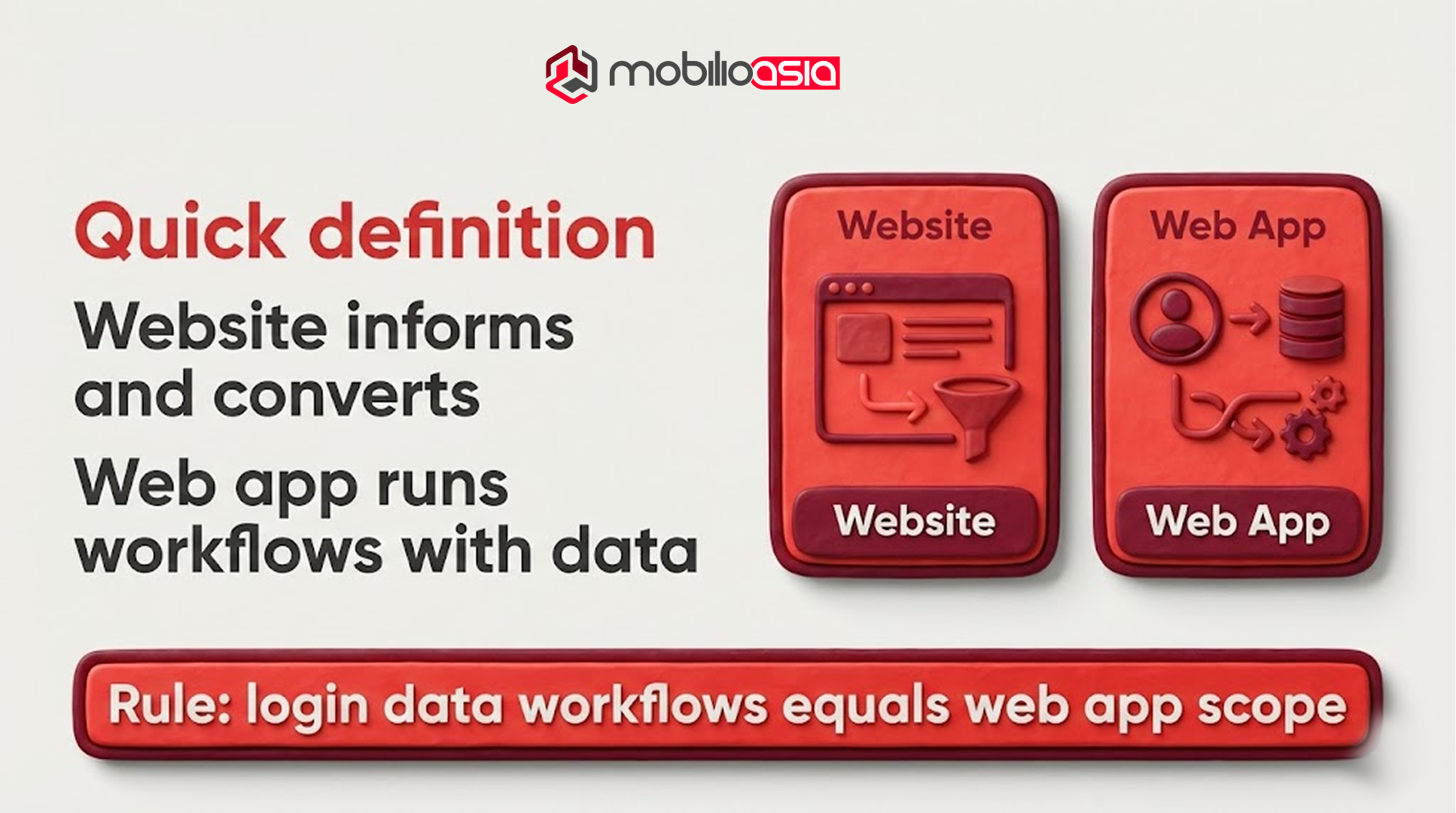
If you need login, data, and workflows, plan it as a web app to avoid scope creep.
A website is a public experience designed to inform, build trust, and convert, think positioning pages, services, case studies, blog content, landing pages, and lead capture.
A web application is software delivered in the browser. It helps users log in, manipulate data, and complete workflows repeatedly, think portals, dashboards, internal tools, SaaS products.
A useful rule: if your scope includes accounts, roles/permissions, dashboards, approvals, audit trails, reporting, exports, or recurring workflows, you’re in website vs web application territory and “application” assumptions should apply from day one.
Website vs web application: the 9 differences that matter
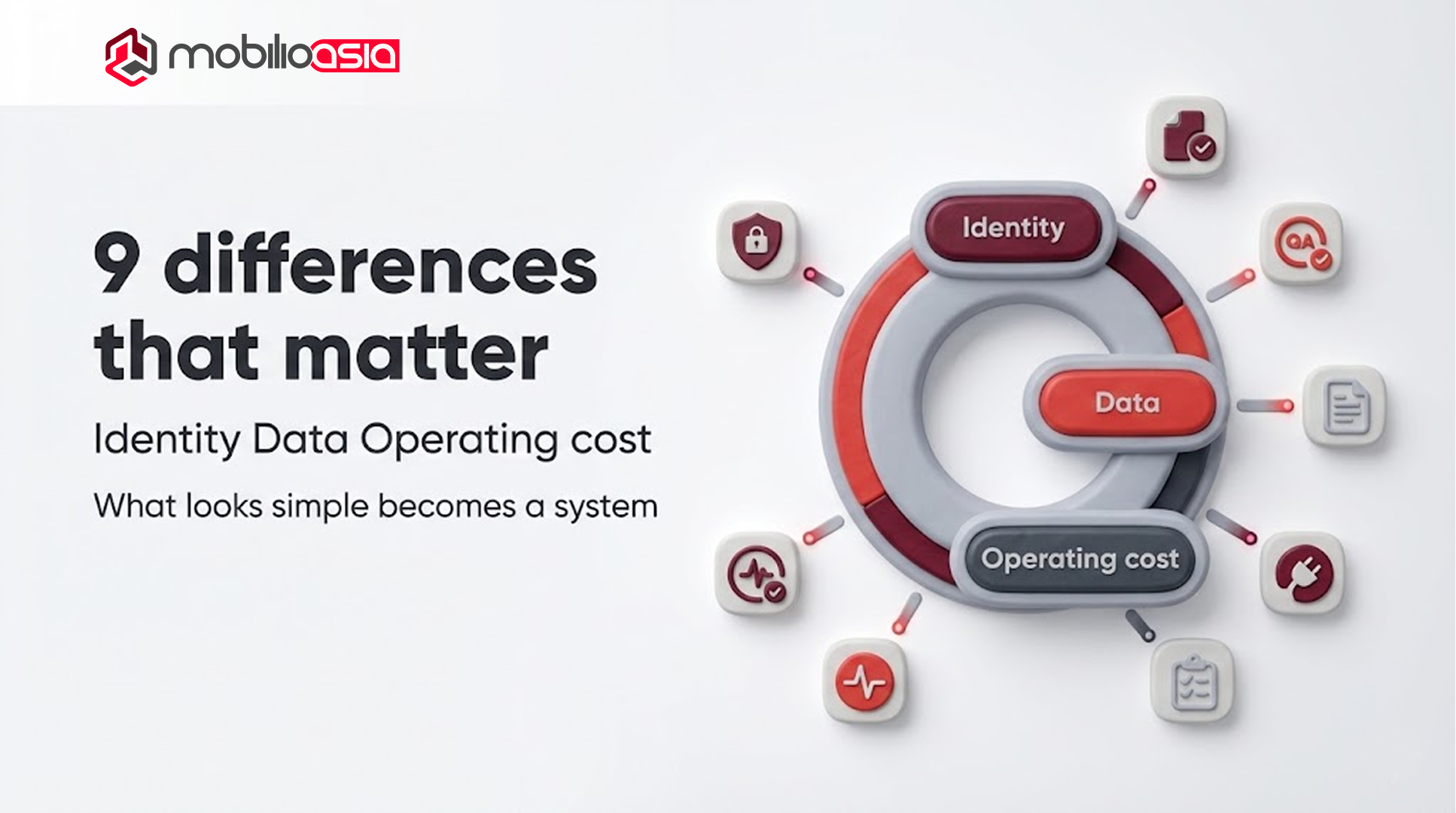
The real website vs web application gap shows up in identity, data, and operating cost.
Ship in phases: website for acquisition, micro app to validate, web app MVP to scale.
1) Primary job: persuasion vs execution
A website’s job is to reduce uncertainty: explain your value, show proof, and convert traffic into pipeline.
A web application’s job is to produce outcomes: onboarding, task completion, collaboration, and operational leverage.
If success is measured by conversion rate and qualified leads, you’re website-first.
If success is measured by activation, retention, and workflow completion, you’re web app-first.
2) User behavior: read vs do
In website vs web application, behavior is the strongest signal.
Website users browse, compare, and decide.
Web app users return, do work, and depend on the system.
That changes UX priorities. Websites emphasize messaging clarity and frictionless conversion. Web apps emphasize usability, error handling, and “time to complete task.”
3) Data: collect vs operate
Websites usually collect data (forms, bookings) and hand off to a CRM.
Web applications operate on data: validation, state transitions, history, reporting, and consistency over time.
The moment data becomes “the product,” you inherit responsibilities: data model design, migrations, and a change strategy when requirements evolve.
4) Identity: optional vs structural
A login is not a UI feature. It introduces an attack surface, edge cases, and permanent ownership costs.
When you add roles/permissions, complexity multiplies. Every screen and action becomes conditional. Every API must enforce authorization. QA must test across roles.
This is a common trap in website vs web application planning: teams budget for “pages,” then discover they actually need identity, permissions, and audits.
5) “Done” means different things
A website can be “done enough” and then improved through SEO/CRO iteration.
A web application is never truly “done.” You ship versions. You manage incidents. You patch dependencies. You learn from real usage and iterate.
If you’re outsourcing, align early on whether you’re buying a project or an operating capability.
6) Reliability: brand impact vs operational impact
When a website breaks, you lose conversion and credibility.
When a web app breaks, you can disrupt customer workflows, revenue, or operations. That changes baseline requirements: monitoring, alerting, error tracking, rollback discipline.
7) Cost drivers: templates vs systems
Website cost is often driven by content readiness, number of templates, CMS setup, multilingual needs, tracking, and performance.
Web app cost is driven by identity, data modeling, workflows, integrations, QA depth, and non-functional requirements (security, uptime).
This is why “a website with a dashboard” is usually a web app in disguise.
8) SEO surface: most value is public
A website is usually your SEO engine.
A web app’s SEO value is typically concentrated in public areas: marketing pages, docs, help center, landing pages. Logged-in areas are not where SEO wins.
So the practical approach for many teams is: website for acquisition, web app for retention and workflows.
9) Governance: stakeholder alignment is harder in apps
Web apps fail more often from governance than from code.
You need:
-
MVP boundaries (what’s in / out)
-
Acceptance criteria
-
Ownership of product decisions
-
A change process that protects timeline
That’s why product strategy readers (PO/PM) are the best primary audience for this topic: the job is alignment, not definitions.
Website vs web application decision framework (PO/CTO/CEO)
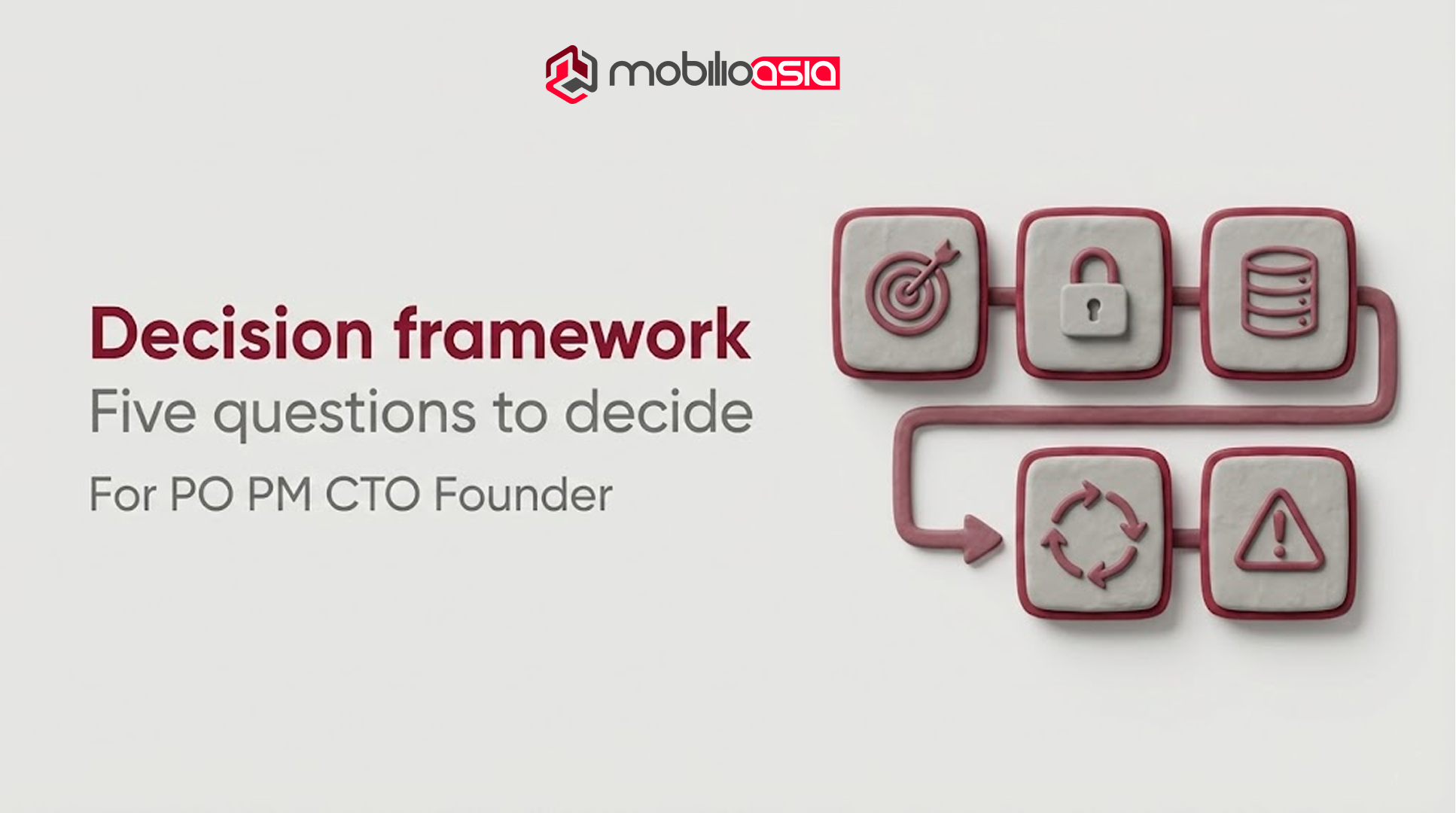
Use these five questions in your stakeholder meeting. They produce a decision you can defend.
Q1: Are we optimizing acquisition or operations?
If your next milestone is pipeline and positioning, website-first is usually correct.
If your milestone is operational leverage (self-serve onboarding, reduced manual work), web app-first is usually correct.
Q2: Do we need controlled access now?
If you need login, personalization, roles, and permissions now, treat it as web app scope now.
If login is “phase 2,” design your website so it won’t block that evolution later.
Q3: Do we own a real data model?
If your product needs structured records, states, reporting, and history, you’re building a system.
In website vs web application, data model complexity is one of the biggest timeline drivers.
Q4: How fast will requirements change after launch?
Frequent change means product cadence: releases, QA gates, staging environments, and observability.
If your organization isn’t ready for that, you can still build a web app but you must plan the operating model.
Q5: What’s the cost of failure?
If failure means “lower conversion,” your risk is mostly commercial.
If failure means “disrupted workflows” or “data exposure,” your risk is operational and security-driven plan accordingly.
Cost & timeline for website vs web application
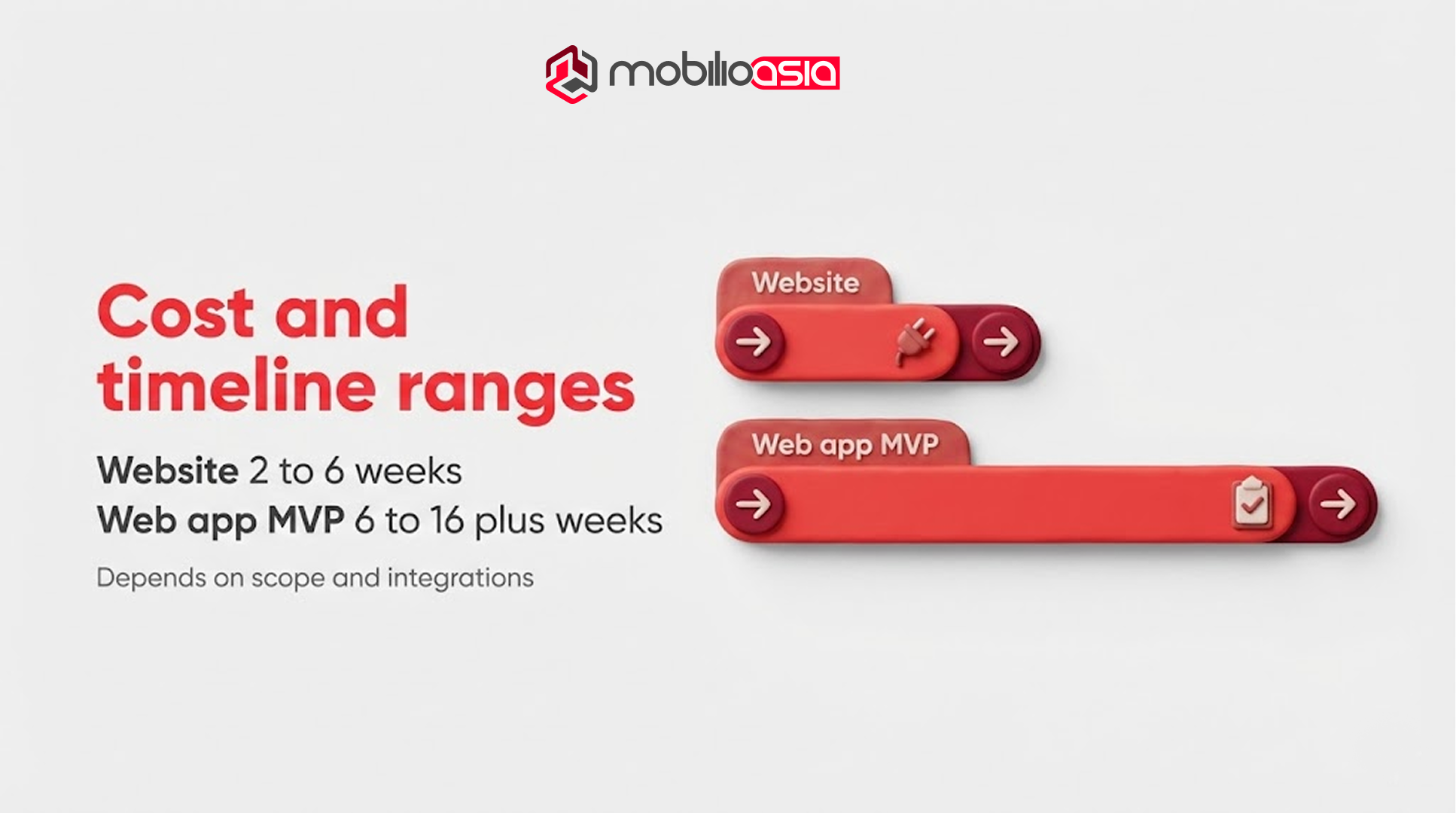
In most cases, website vs web application cost differs more in ownership than build.
You can’t quote accurately without scope, but you can set expectations.
A typical marketing website often takes ~2–6 weeks, depending on content readiness, template count, and integrations.
A typical web application MVP often takes ~6–16+ weeks, depending on identity, roles/permissions, data model complexity, integrations, and QA rigor.
What usually blows up timelines:
-
Unclear permission matrix
-
Reporting/export requirements discovered late
-
“Admin panel” ignored
-
Integrations underestimated (retries, failures, rate limits)
-
Missing acceptance criteria and QA plan
If you want a practical next step, use a worksheet-based estimation approach rather than guessing:
How to Estimate App Development Cost: A Simple Worksheet (Coming Soon)
SEO & performance for “90+ score”
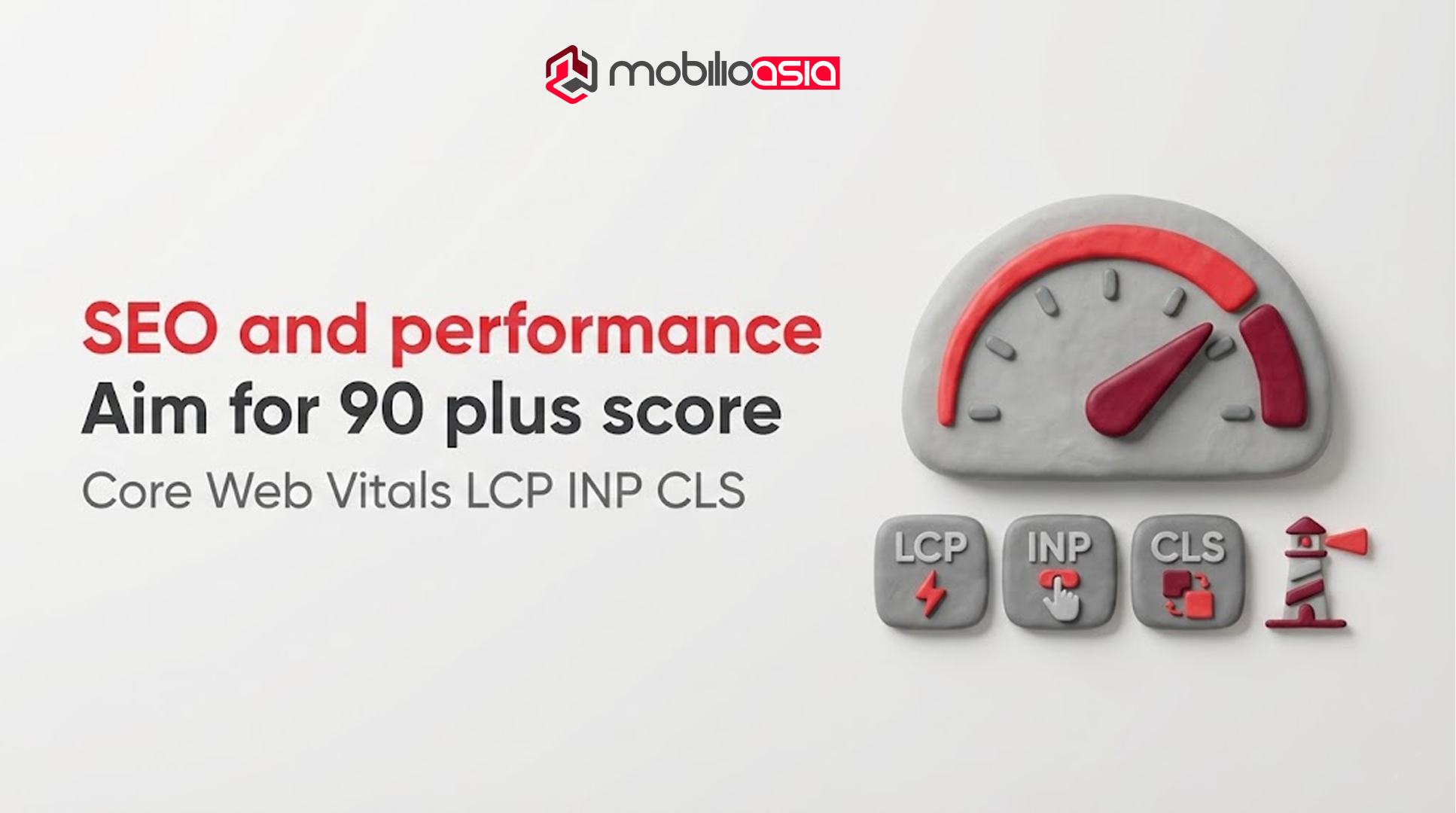
If you’re targeting “90+” in SEO/performance audits, treat performance as product quality.
Google describes Core Web Vitals as metrics measuring real-world user experience for loading, interactivity, and visual stability and recommends achieving good CWV for success with Search and UX. Understanding Core Web Vitals
For execution, Lighthouse is an automated tool with audits for performance, accessibility, SEO, and more and can run on public pages or authenticated pages. Introduction to Lighthouse
Practical PO/PM tip: define a “launch quality bar” early:
-
LCP/INP/CLS targets for key pages
-
mobile-first layout stability
-
image optimization and script hygiene
-
pre-launch Lighthouse baseline + post-launch monitoring
This prevents “optimize later” from becoming “never optimized.”
Related reading: Why mobile experience is a strategic advantage see Mobile-First: The Strategic Imperative for Digital Products.
Security baseline: what changes in a web app
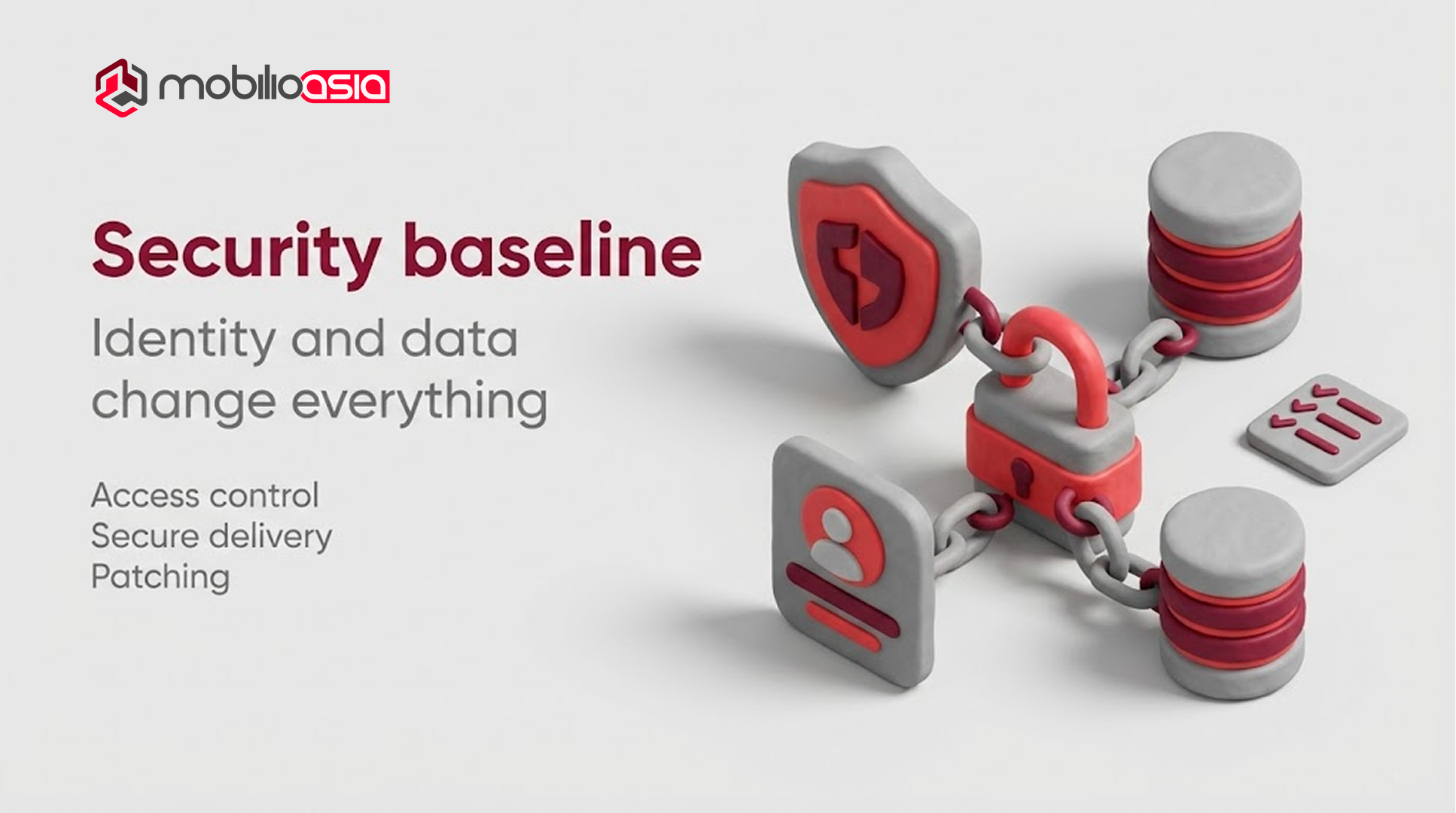
Once you have identity + data, security is baseline.
OWASP describes the OWASP Top 10 as a standard awareness document representing a broad consensus about critical web application security risks (latest release includes 2025).
OWASP Top Ten Web Application Security Risks
For executives, the takeaway is simple:
-
Web apps require explicit access control design
-
Secure delivery workflow (updates, reviews, environments)
-
A patching plan (dependencies, vulnerabilities)
If your vendor can’t explain their baseline, you’re buying unknown risk.
The hybrid rollout that reduces risk
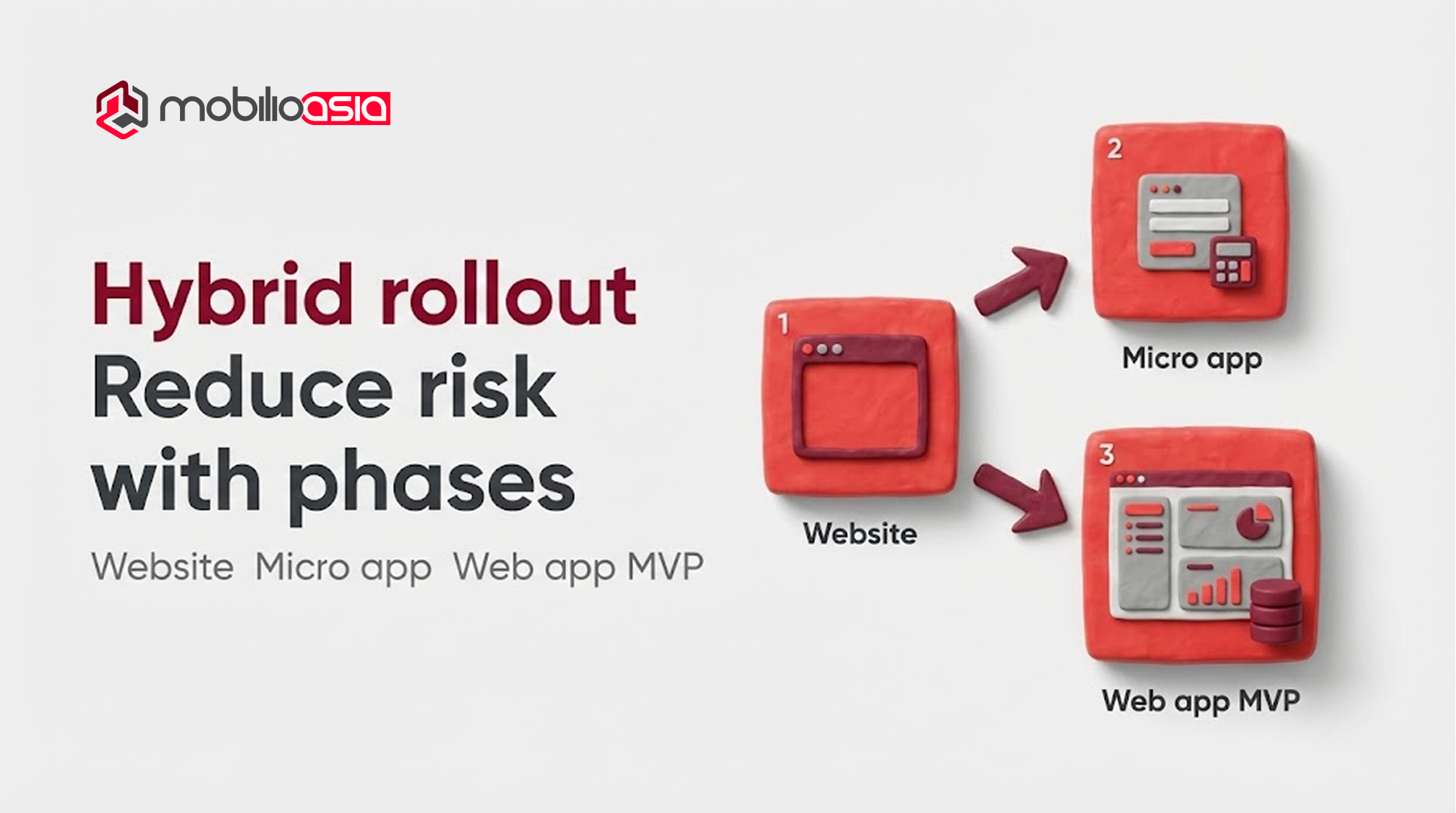
A hybrid rollout often resolves website vs web application uncertainty without overbuilding.
Many teams don’t need to choose purely “website or web app” on day one.
A low-risk sequence:
-
Ship a high-quality website that captures demand and clarifies positioning.
-
Add a small interactive “micro-app” where it creates measurable value (estimator, onboarding questionnaire).
-
Promote validated workflows into a portal / MVP when the business case is proven.
If you want app-like UX on the web without committing to a full platform immediately, Progressive Web Apps (PWAs) are one approach. MDN describes a PWA as an app built with web technologies that provides an app-like experience and can work across platforms from one codebase. Progressive web apps (MDN)
Mobilio operates as a solution & delivery partner: clarify scope, reduce ambiguity early, and ship with quality baselines especially for APAC teams leveraging Vietnam execution.
Helpful reads from Mobilio
-
(Coming soon) Website Development Outsourcing: What to Expect
-
(Coming soon) Outsourcing App Development: Step-by-Step Process
-
(Coming soon) Application Outsourcing: Risk, IP & Security Clauses You Need
-
(Coming soon) RFP Template for App/Web Development Outsourcing
Partner checklist:
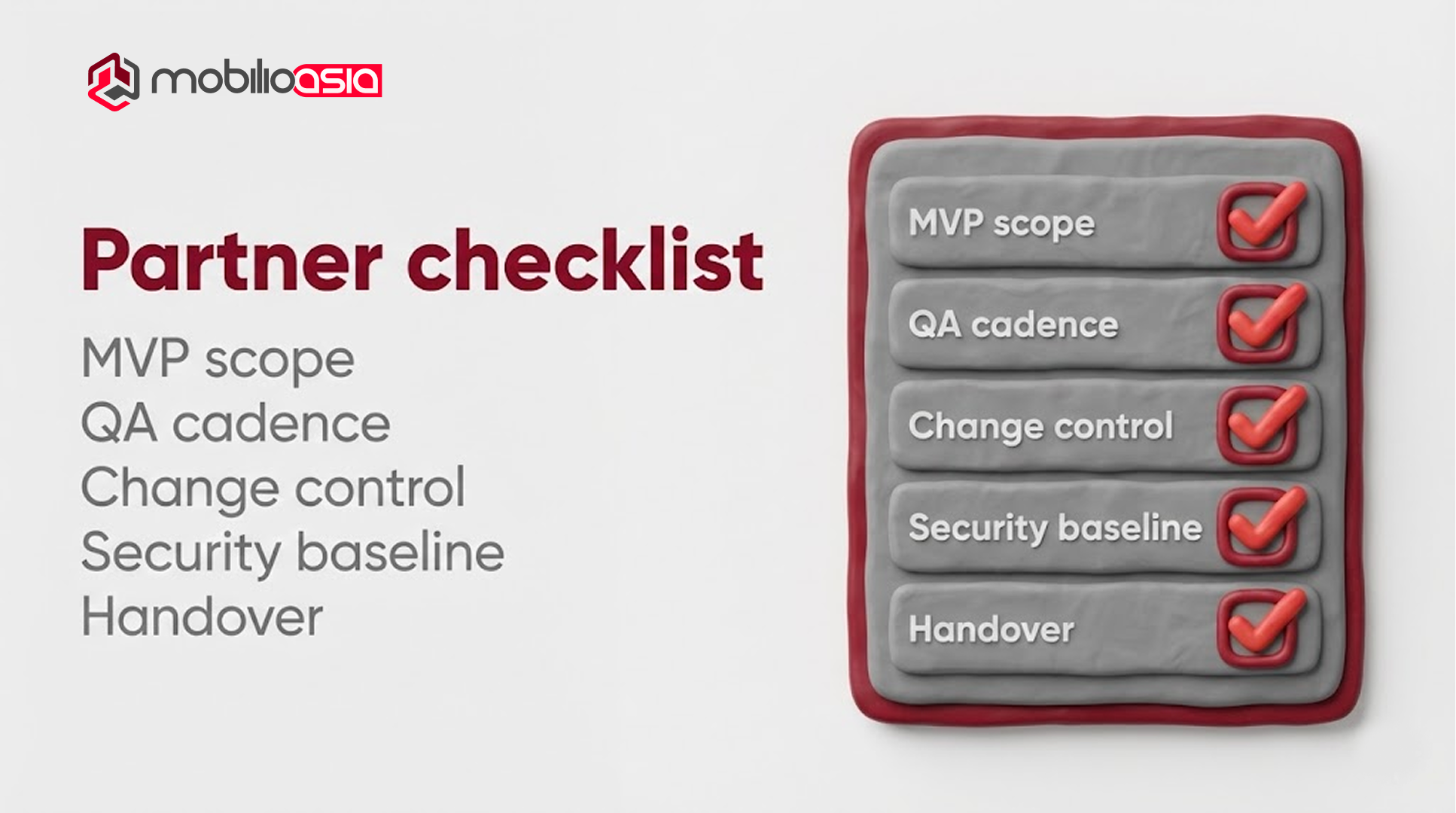
A credible partner can explain:
-
MVP boundaries and explicit exclusions
-
Change control (how scope changes affect time/cost)
-
QA and release cadence
-
Security baseline for identity + data
-
Handover: docs, environments, access, knowledge transfer
If someone promises an aggressive timeline without defining scope boundaries and QA, that’s usually not speed it’s deferred risk.
Summary: If you’re choosing website vs web application, start with the outcome: acquisition vs workflows. When login, permissions, and persistent data are required, treat it as a web application. For most teams, a phased approach reduces risk while keeping momentum in the website vs web application decision.

FAQ: website vs web application
Is a web application the same as SaaS?
No. SaaS is a business model. A web application is a delivery format. Many SaaS products are web apps, but portals and internal tools are web apps too.
Can a website evolve into a web application later?
Often yes, but expect meaningful work once identity, permissions, and data modeling become requirements. Plan for phases early to avoid rework.
Will a web app hurt SEO?
Not inherently. But most SEO value is on public pages. Many teams separate concerns: website for acquisition, web app for post-login workflows.
What’s the fastest way to estimate a web app MVP?
Break scope into modules (auth, roles, workflows, reporting, integrations), define must-have vs phase 2, then estimate based on dependencies and testing burden.
How to Estimate App Development Cost: A Simple Worksheet
How do I decide website vs web application for an MVP?
Start with a website if your MVP is about validating positioning and demand (landing page, content, lead capture). Choose a web application MVP only when you must prove value through login + persistent data + a repeatable workflow. If unsure, ship a website first and add a thin portal/micro-app for the core workflow.
Does website vs web application choice affect SEO?
Yes. Websites are your main SEO surface because pages are public and crawlable. Web applications often live behind login, so SEO impact mostly comes from their public layer (marketing pages/docs). For SEO, prioritize strong UX and performance on public pages (e.g., Core Web Vitals) and verify with Lighthouse.
